53006
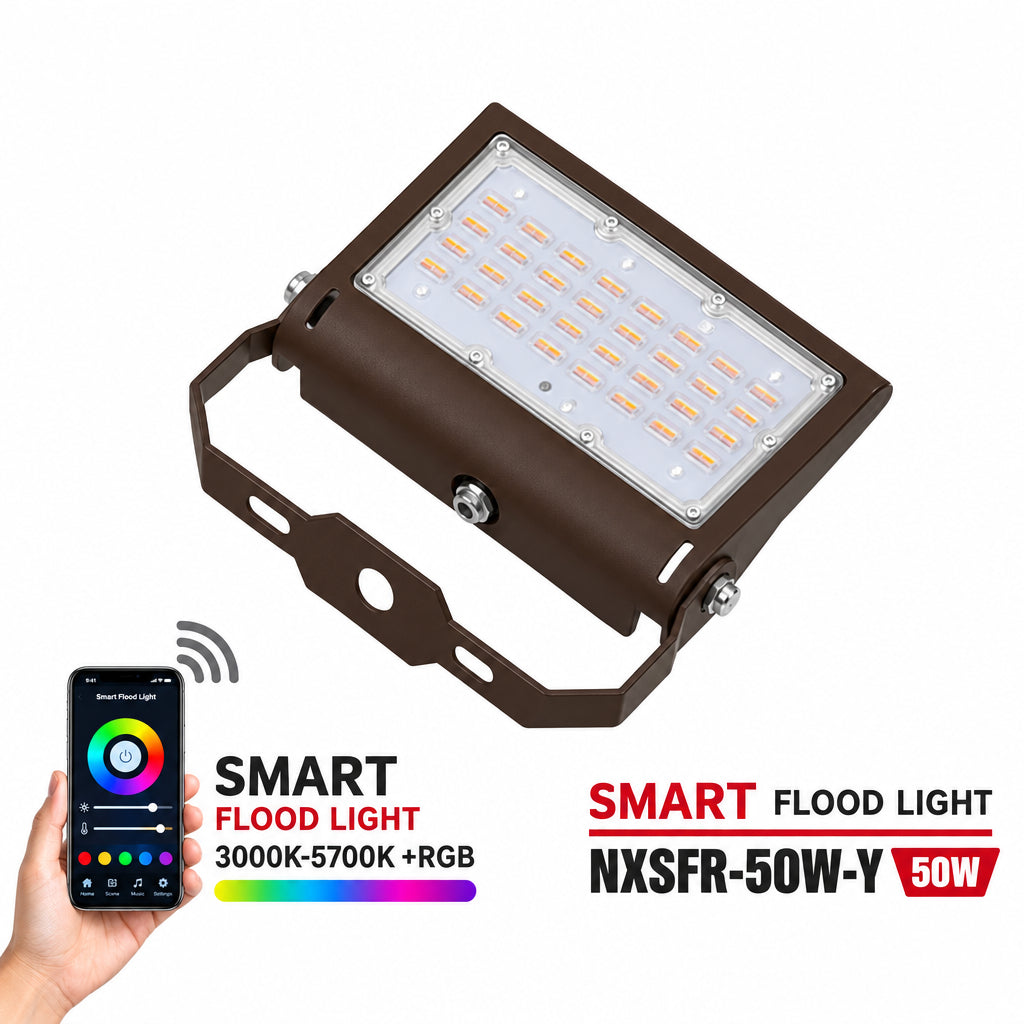
Smart RGB LED Flood Light U 50W
Smart RGB LED Flood Light U 50W
Couldn't load pickup availability
50W Smart RGB LED Flood Light with Wi-Fi App Control
Switch from practical white illumination to colourful accent lighting with the Light52 50W smart RGB LED flood light. Combining RGB colour lighting with 3CCT white-light options, this versatile fixture lets you tailor the appearance of your outdoor space for everyday use, entertaining or seasonal displays.
Built-in Wi-Fi gives you remote access through an app, with timer settings for scheduling operation. Picture your building exterior washed in colour for an evening event, then returning to white light for routine illumination. This colour-changing LED floodlight offers flexibility for landscape lighting, commercial exterior lighting and decorative outdoor accents.
Smart Control and Bright White Light
The listed cool white setting is 5000K, with an output of 4,500–5,000 lumens. Use white light for visibility around office buildings, parking areas, plazas and public spaces, or choose RGB lighting to create a different atmosphere. Light output can vary by lighting mode; the listed lumen range refers to the cool white output.
Key Features and Specifications
- 50W LED flood light: Commercial-grade illumination for indoor and outdoor applications.
- RGB plus 3CCT: Colour-changing light and three white-light colour-temperature options.
- Wi-Fi app access: Remote control with timer settings for scheduled operation.
- 5000K cool white: Listed white-light output of 4,500–5,000 lumens.
- 180-degree adjustment: Aim illumination toward the intended area.
- 100–277V input: Check electrical compatibility before installation.
- 50,000-hour rated lifespan: Designed for long-term lighting use.
Versatile RGB Flood Lighting
Use this smart LED floodlight for building accent lighting, garden lighting, outdoor event colour and commercial area illumination. Confirm the mounting hardware before ordering: the product title identifies a U-bracket model, while the existing specifications also reference a slip-fit base. Follow the installation instructions for mounting, electrical connection and Wi-Fi app setup.
Share